

Project Zomboid server hosting
Dedicated Project Zomboid servers on Build 42 with Steam Workshop mods, a labeled server settings editor, a players desk and one-click backups.
The Steam Workshop is where Project Zomboid keeps its mods: new maps, vehicles, weapons and quality-of-life fixes. Paste a Workshop link into the Mods tab in your dashboard and the server downloads it on the next restart. The Server Settings tab turns the server ini and the sandbox rules (zombie population, loot, PvP, safehouses) into labeled controls, and the Players tab is your admin desk. Our server guide covers the rest.
Run a Build 42 server with Steam Workshop mods added by pasting a link. The Server Settings tab turns zombie population, loot and PvP into labeled controls. Our server guide covers the rest.
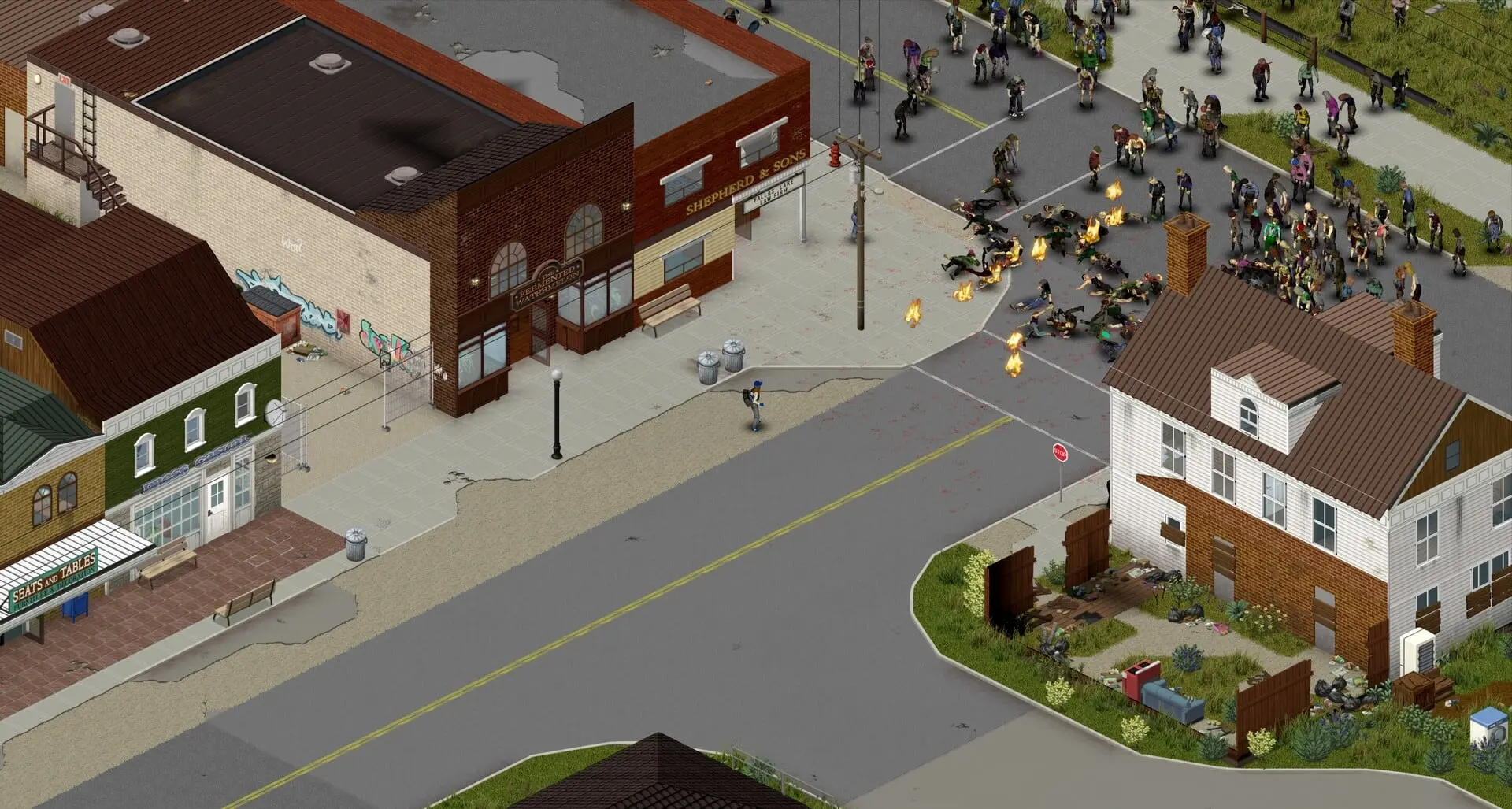
Not sure which plan you need?
Answer a few questions about your server and we'll point you at the right size.
Project Zomboid server plans
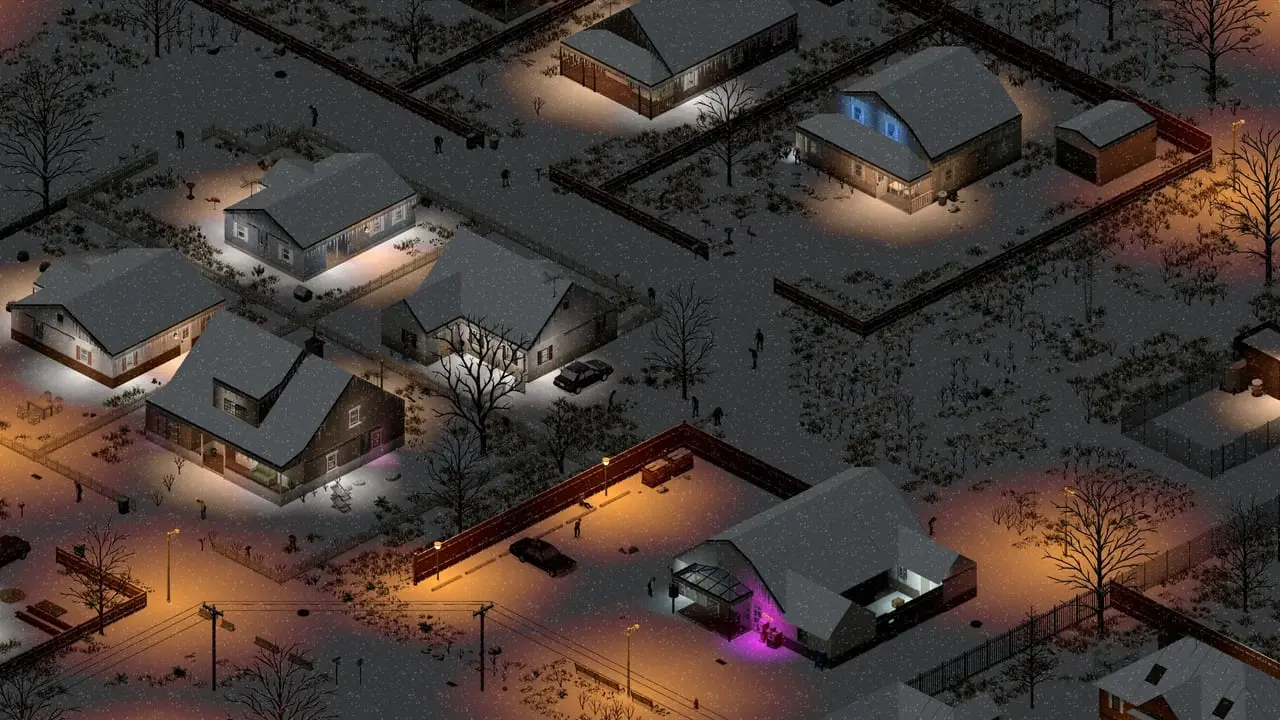
Rosewood
A quiet town for a small vanilla group.
Up to 8 survivors on vanilla or a few small mods.
2vCPU6GBRAM20GBStorage
What you get:
- 3 one-click backup slots
- 2 extra ports for mods and plugins
- Workshop mods added from the panel
- Every server setting as a labeled control
- Your choice of location, with DDoS protection
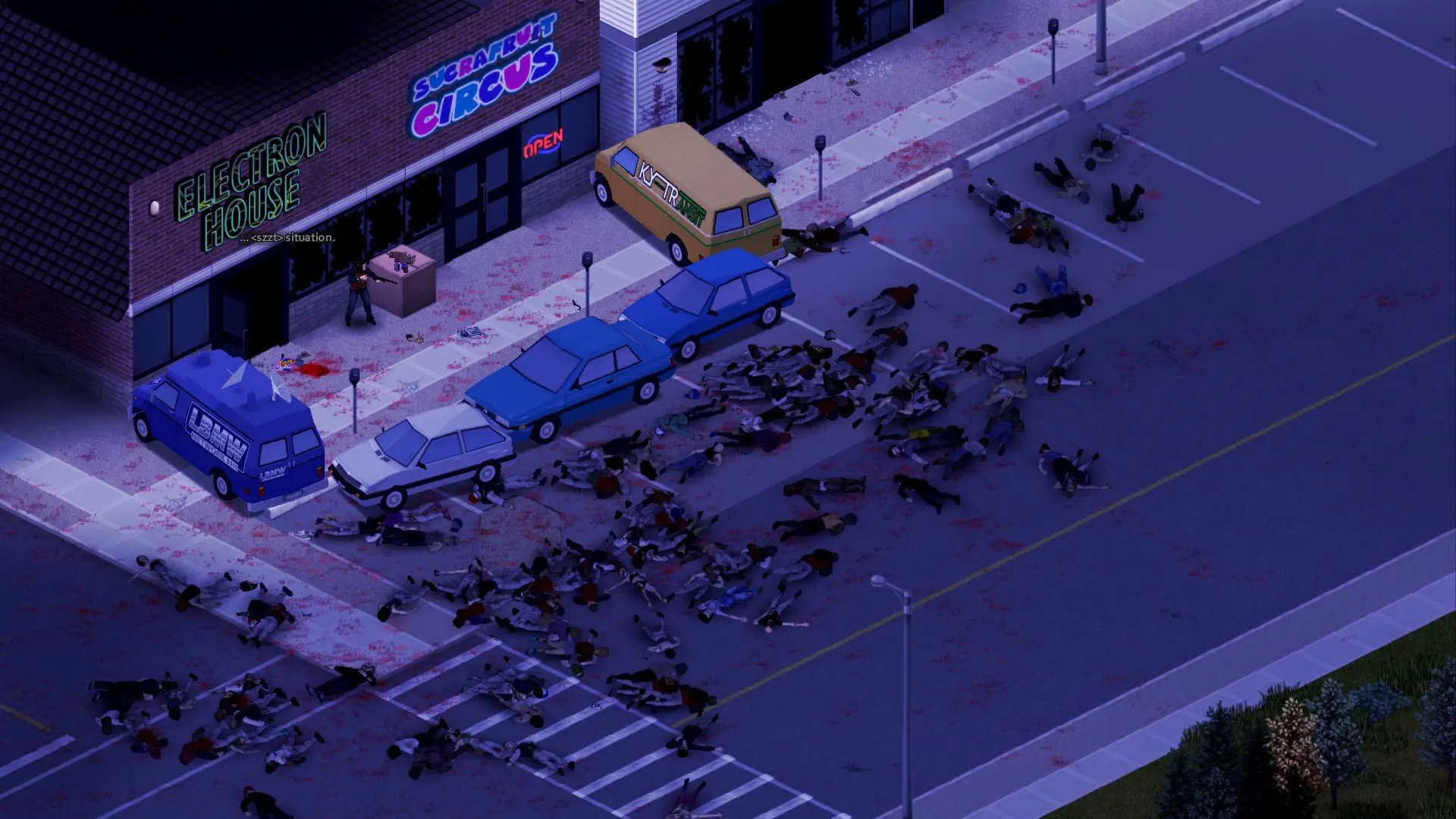
Muldraugh
The classic start, with room for a mod list.
The sweet spot for up to 16 with a solid mod list.
3vCPU10GBRAM25GBStorage
What you get:
- 3 one-click backup slots
- 2 extra ports for mods and plugins
- Workshop mods added from the panel
- Every server setting as a labeled control
- Your choice of location, with DDoS protection
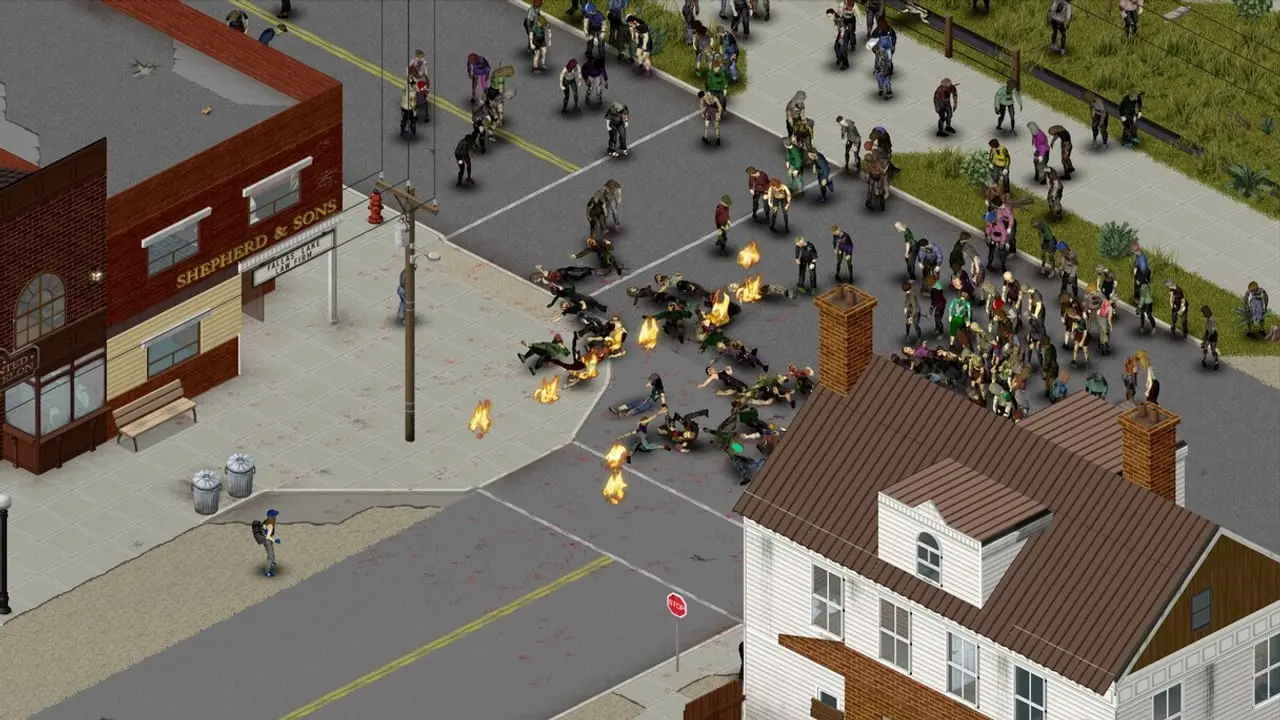
Louisville
The big city, big mod lists and map mods.
Pick this for up to 32, or map and vehicle mods.
4vCPU16GBRAM30GBStorage
What you get:
- 3 one-click backup slots
- 2 extra ports for mods and plugins
- Workshop mods added from the panel
- Every server setting as a labeled control
- Your choice of location, with DDoS protection
Included with every plan
Every plan gets the same features. The one you pick changes the hardware, and how many backup slots and extra ports come with it.
No seat pricing
We never charge per player. Set your own cap and let the RAM decide.
Live console
Watch the log and send commands while the server is running.
File manager
Browse, edit, upload and download, folders included.
SFTP access
Your own credentials for FileZilla or WinSCP when the browser is too slow.
Backups
Take one before you break something; restore in a click.
Scheduler
Restarts, backups and commands run on a timer you set.
Startup settings
Flags, memory and server software without a ticket.
Sub-users
Give an admin access without handing over your account.
Audit logs
Who did what, so a shared server stays accountable.
Workshop
Paste a Workshop link; the server downloads and loads it on the next restart.
Server Settings
The server ini and the sandbox rules as labeled controls, in plain English.
Players
See who is on, kick, ban, hand out admin and manage the whitelist.
72-hour refund window
A full refund if you ask within 72 hours of paying, no reason required.
Project Zomboid hosting FAQ
Quick answers about running a Project Zomboid server with us.
Still have questions?
Our support team actually plays the games and is happy to help.